An order leaves the table and reaches the right station instantly.
EasyKafe connects table service, the Baverages, kitchen, checkout and stock—without paper tickets, shouting or manual re-entry.
Use your existing phones, tablets and computers. No dedicated device is required for the web app.
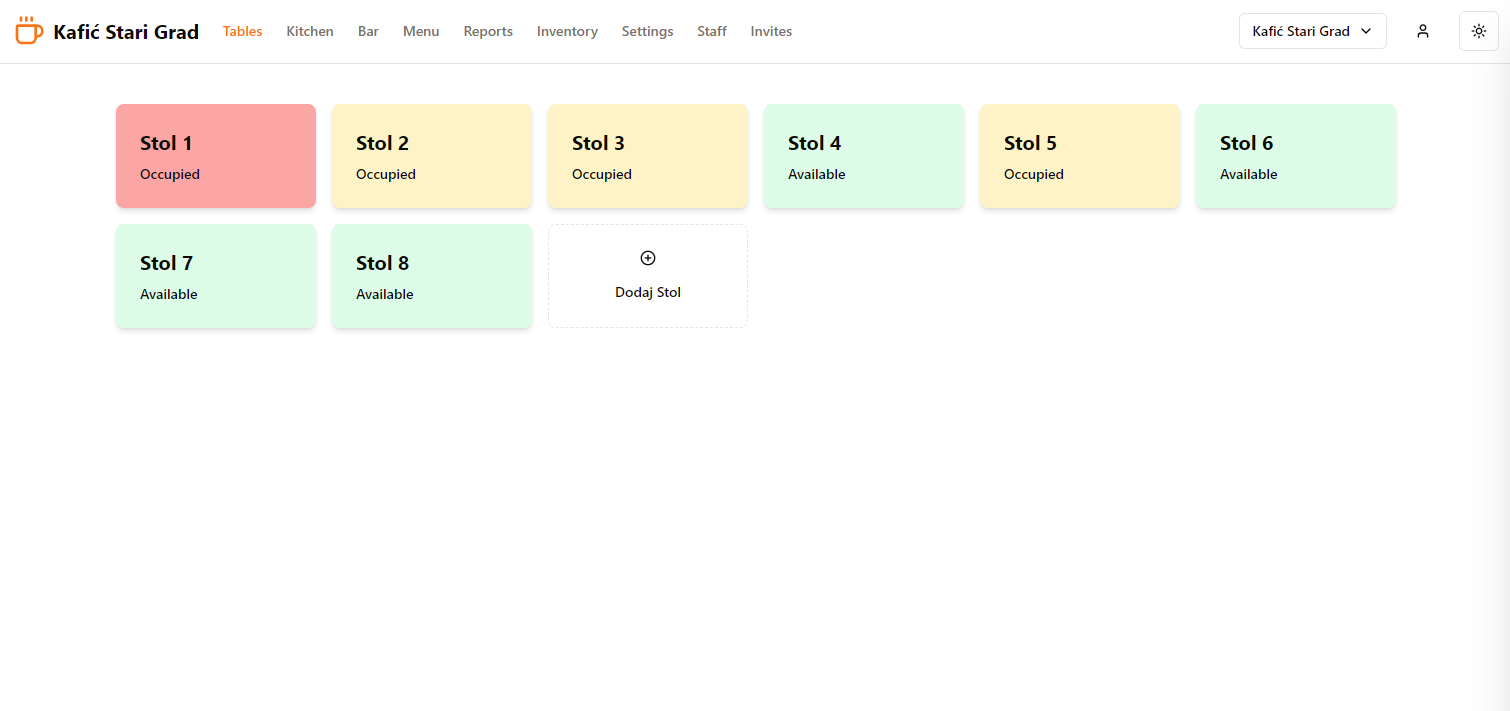
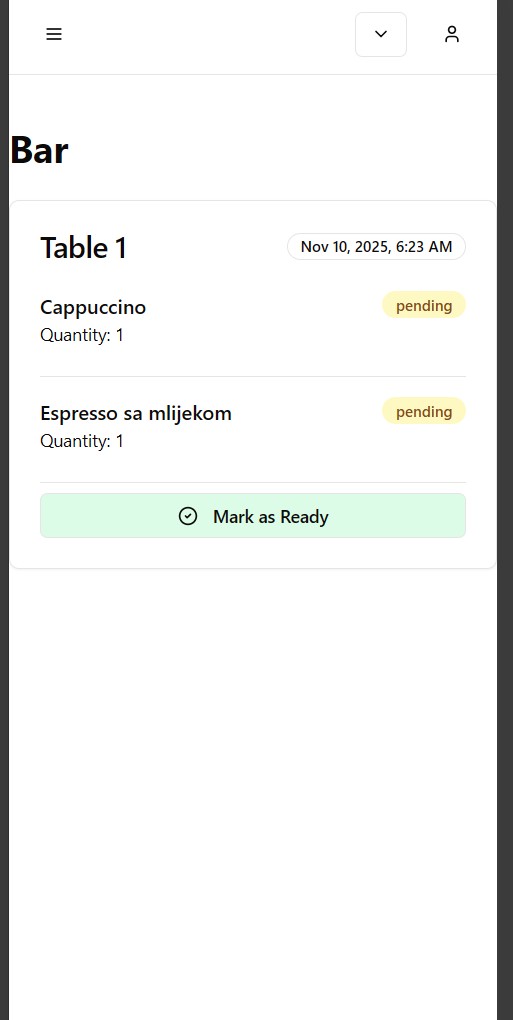
Live
Tables · Bar · Kitchen · Stock
One live workflow
Tables, order status and preparation queues update together.
Made for every role
Focused views for staff, preparation teams and owners.
Available anywhere
Run a shift on mobile and review the business from a computer.
From order to overview
Three connected views. One source of truth.
Each person sees the information and actions needed for their part of the shift.
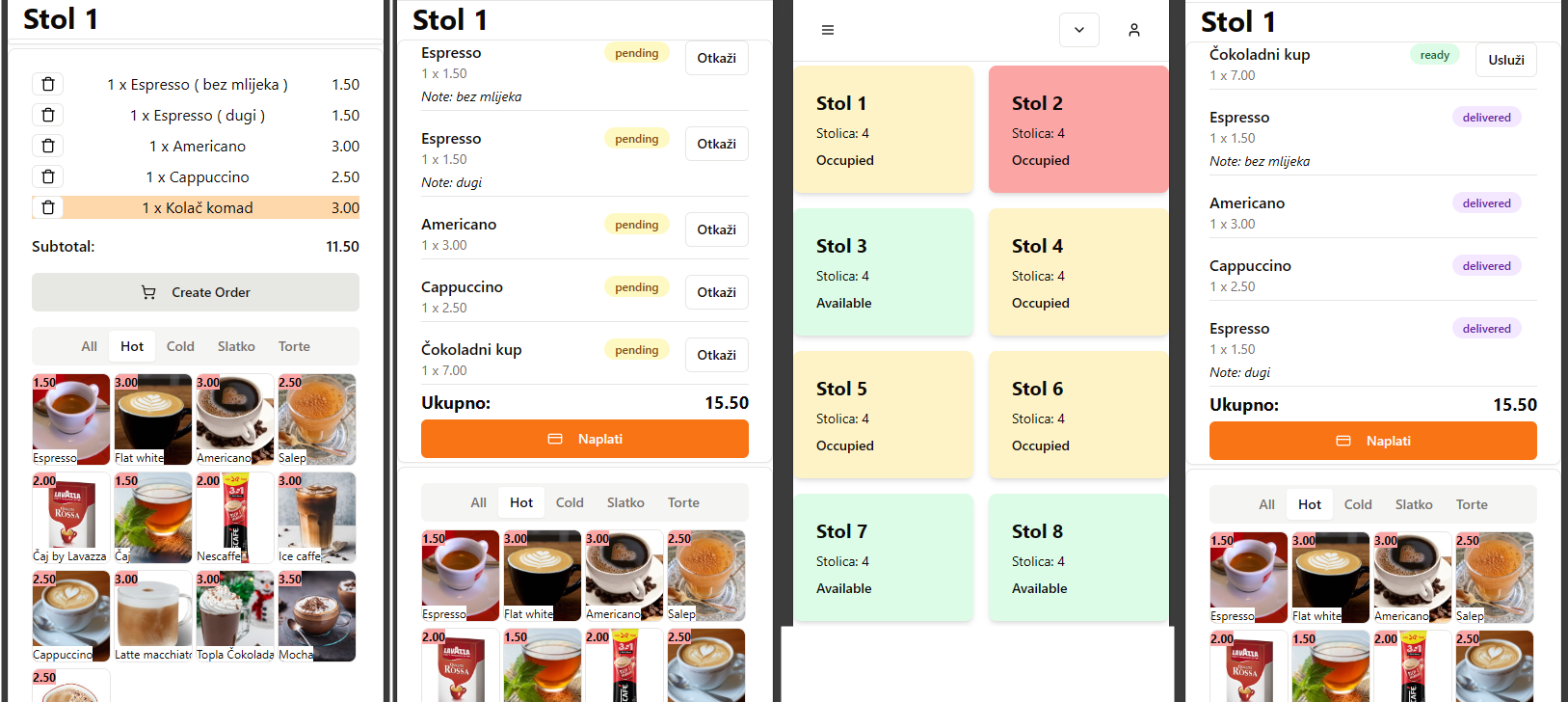
01
Open a table, add items and notes, and follow the status through checkout.

02
Items are routed to the correct preparation view and can be marked ready in one action.

03
Review sales, popular items and stock movement without collecting end-of-shift notes.
Built for a busy shift
Know what is happening—even when you are not standing behind the bar.
- Keep the floor, Baverages and kitchen on the same order status.
- Deduct recipe ingredients from stock when an order is paid.
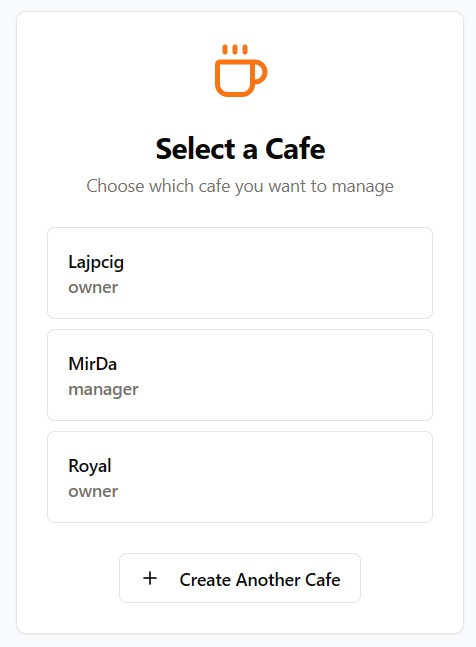
- Review sales activity and switch between cafe locations from one account.
- Give owners, managers and staff access appropriate to their role.
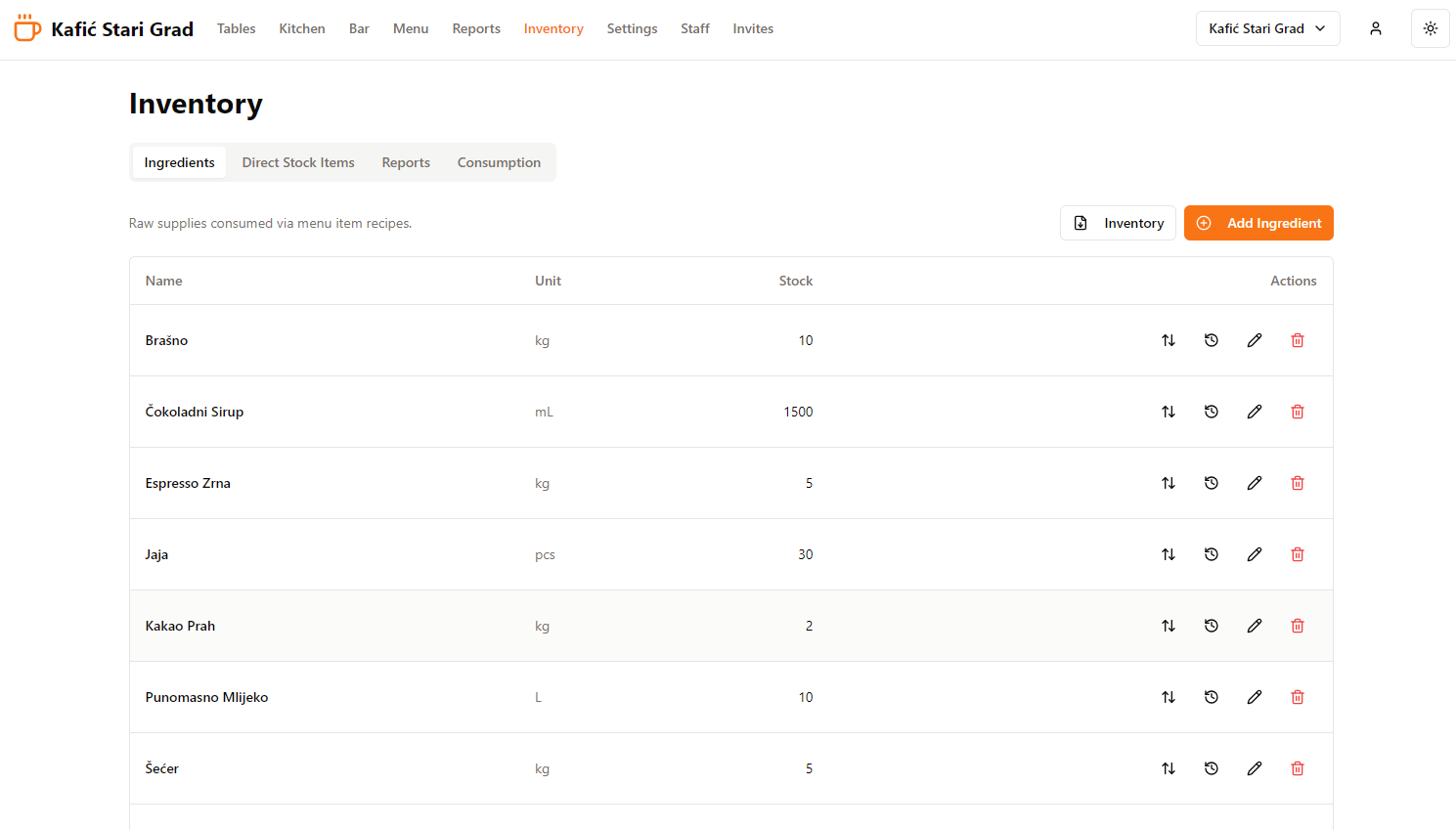
See stock movement, not just a number at the end of the month.
Define ingredients and recipes, record restocks, waste and adjustments, and review the history behind every stock change.
Explore inventory workflowMove closed orders into your supported fiscal-printer workflow.
The EasyKafe Windows companion retrieves closed orders, lets the cashier choose cash or card, and sends the configured command to a compatible local fiscal driver.
- Cash and card selection before confirmation
- Fiscal receipt reference stored with completed order items
- Daily and monthly report actions in the companion
Fiscal hardware and driver compatibility must be confirmed for each installation. Contact us before purchasing or changing equipment.

Keep the floor and preparation team moving from a phone.
Use focused mobile views for tables, order queues and status updates. Managers can switch cafes without returning to a fixed workstation.
Getting started
Start with your real tables, menu and team.
Tell us about your setup
We review your locations, devices and fiscal workflow before rollout.
Configure your cafe
Add tables, menu categories, preparation areas, recipes and staff roles.
Run a guided shift
Test the full order-to-checkout flow before using it with guests.
Pricing
Clear monthly pricing per cafe location.
No per-employee multiplication. Choose the operating depth each location needs.
Billed monthly
- Tables and order processing
- Dedicated bar and kitchen queues
- Menu and preparation-area management
- Staff access and roles
- Basic sales reports
Billed monthly
- Everything in Start
- Ingredients, recipes and stock deduction
- Restock, waste and adjustment history
- Sales analytics and report export
- Mobile companion workflows
By agreement
- Separate data and roles for each location
- Location switching from one account
- Windows fiscal companion configuration
- Compatibility review before rollout
- Guided implementation planning
Fiscal-printer setup, hardware and on-site services are quoted separately after compatibility is confirmed.
Questions before rollout
Practical answers for cafe owners
See EasyKafe with your own cafe workflow.
Tell us how your tables, bar, kitchen and fiscal setup work today. We will focus the demo on that flow.